“We’ve got a TV feature next month. Will the app cope?” We get some version of this question a few times a year. Sometimes it’s a big sale, sometimes a school term starting, sometimes a partner about to email their whole customer list. The date is known, the traffic is coming, and nobody is quite sure what happens when it arrives.
The honest answer is usually “probably not without some work, but less work than you fear”. Here’s how we approach it.
Guess the numbers before you test anything
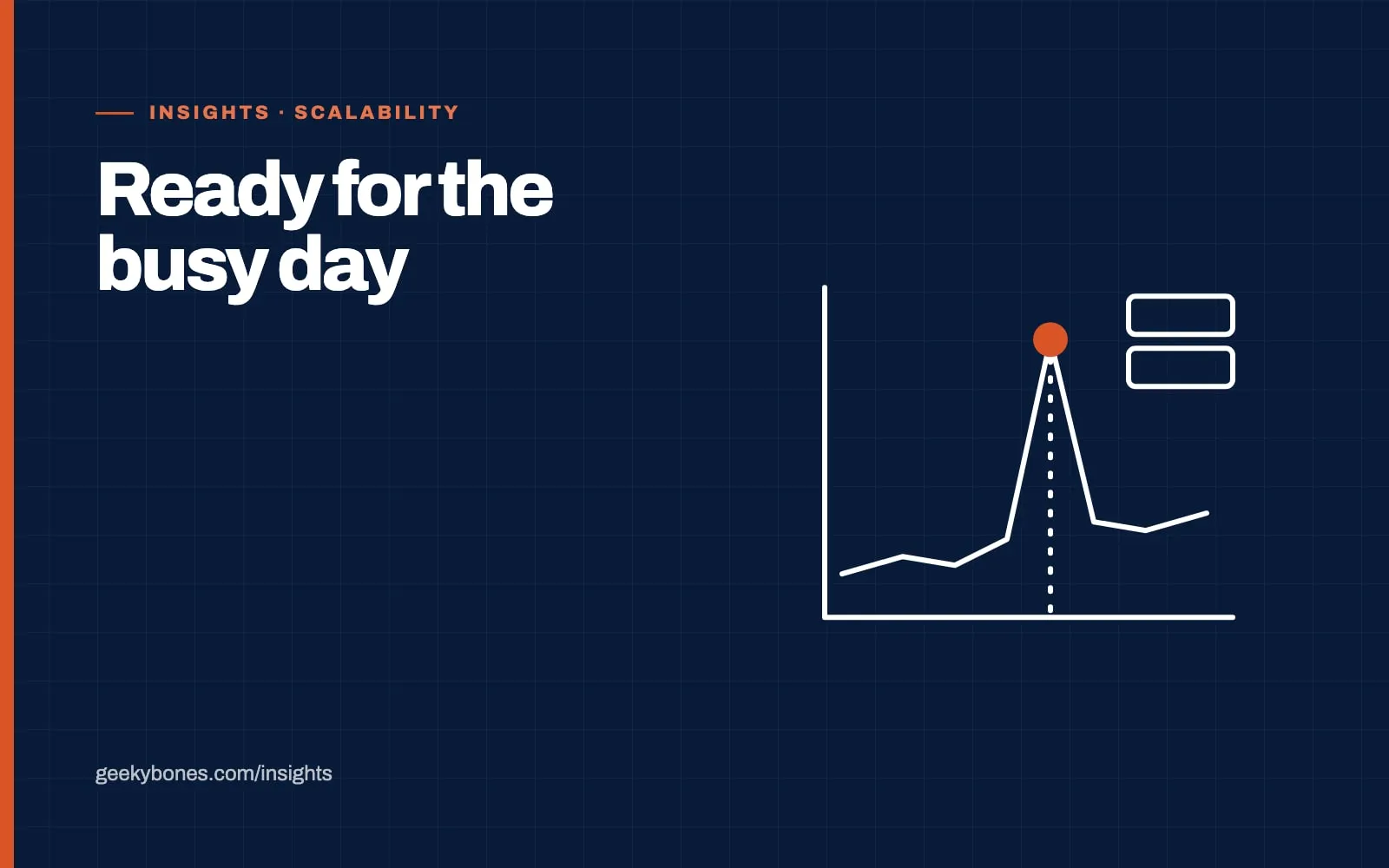
Start with a rough estimate of what the busy day looks like. Not total visitors, but how many people will be doing things at the same time, and which things. A thousand people reading a landing page is very different from a thousand people checking out at once.
Look at your analytics for your last busy period and ask whoever is running the campaign what they expect. Then multiply. If you think it’ll be five times a normal day, plan for ten. Spikes are lumpy, and the first hour after an email goes out is often far busier than the rest of the day combined.
Write down the two or three journeys that matter most. For a store that’s browse, add to cart and pay. For a booking app it’s search and book. Everything else can be a bit slow on the day. Those can’t.
Load test the journeys that make money
Once you know the numbers, simulate them. Tools like k6, Locust or JMeter let you script those key journeys and run them with hundreds or thousands of virtual users against a staging copy of your app.
Make the test realistic. Use production-sized data, because a query that’s instant on a test database with fifty products can crawl on the real one with fifty thousand. And keep raising the load until something breaks. You don’t learn much from a test that passes. You want to find the first thing that falls over, fix it, and run it again.
In our experience the first failure is almost never the web server. It’s the database, a third-party API with a rate limit, or a background job queue that can’t keep up.
Take load off the database
Most apps we look at before a spike have the same handful of problems: queries without the right indexes, pages that run the same expensive query on every request, and admin reports hitting the live database during peak hours.
Some quick fixes that tend to buy a lot of headroom:
- Add indexes for the slow queries your load test found
- Cache pages and API responses that don’t change per user, like product listings or category pages
- Put images and static files behind a CDN so your servers never see those requests
- Move heavy work, like sending emails or generating invoices, into background jobs
- Check your database connection limit, since running out of connections is a classic peak-time failure
None of this is glamorous. It’s also where most of the gains are. We wrote more about these patterns in signs your architecture is starting to slow your growth.
Don’t forget the services you don’t control
Your app might hold up fine while your payment provider, email service or SMS gateway starts rejecting requests. Check the rate limits on every external service in your key journeys. Some will raise them if you ask a couple of weeks ahead. For the rest, make sure your app handles a slow or failed response gracefully instead of hanging the whole page.
This matters a lot for e-commerce. On a store like Sports Gear Swag, checkout depends on pricing, payment and order processing all working together, and any one of them can be the weak link.
Watch it live, and know who does what
Monitoring should be in place before the day, not set up during it. At minimum you want response times, error rates, database load and queue length on one screen, with alerts that go to someone who will actually be awake.
Then agree a simple plan. Who’s watching? Who can scale servers up? What gets switched off first if things get tight? Turning off a recommendations widget or a live search box can free up a surprising amount of capacity, and it’s much easier to decide that calmly a week before than in the middle of a slowdown.
Freeze releases for a day or two either side of the spike, too. A busy day is the worst time to find out a new feature has a bug.
After the spike
Once it’s over, look at what the numbers did. Where did response times climb? What came closest to its limit? That’s your list for the next round of work, and it’s based on real traffic, not guesses.
If you’ve got a big date coming up and aren’t sure your app will hold, it’s worth starting about a month out. That’s usually enough time to test, fix the obvious problems and test again. Our performance and scalability work starts exactly there, with profiling and a load test against your real journeys. Get in touch and tell us what’s coming.